To check your reports click reports from the top menu of the site
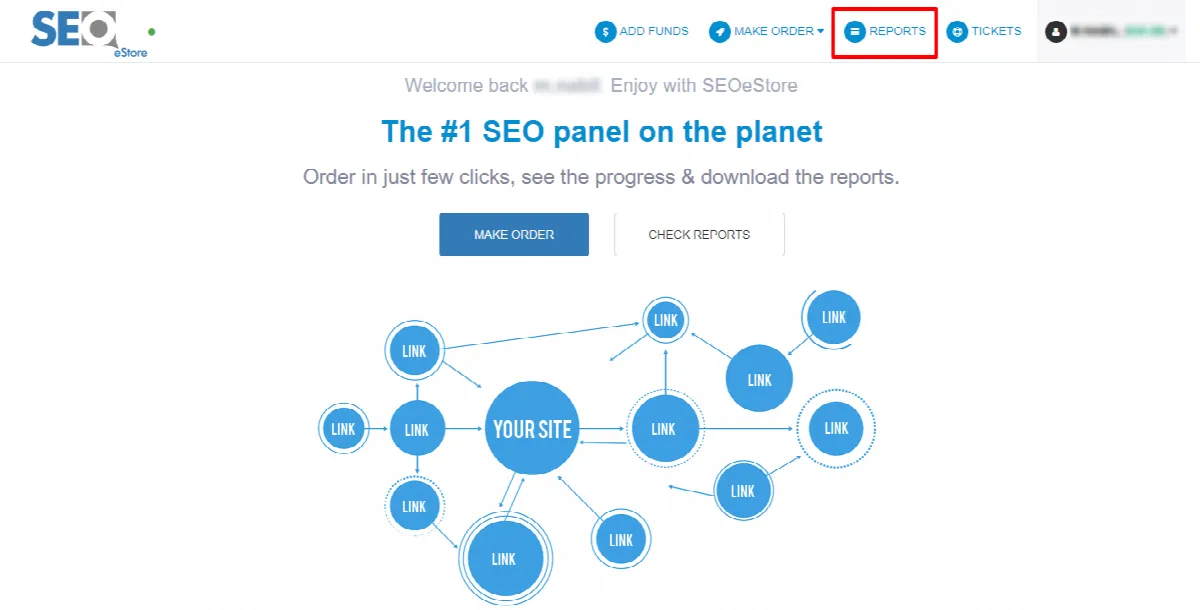
You will be directed to the report page
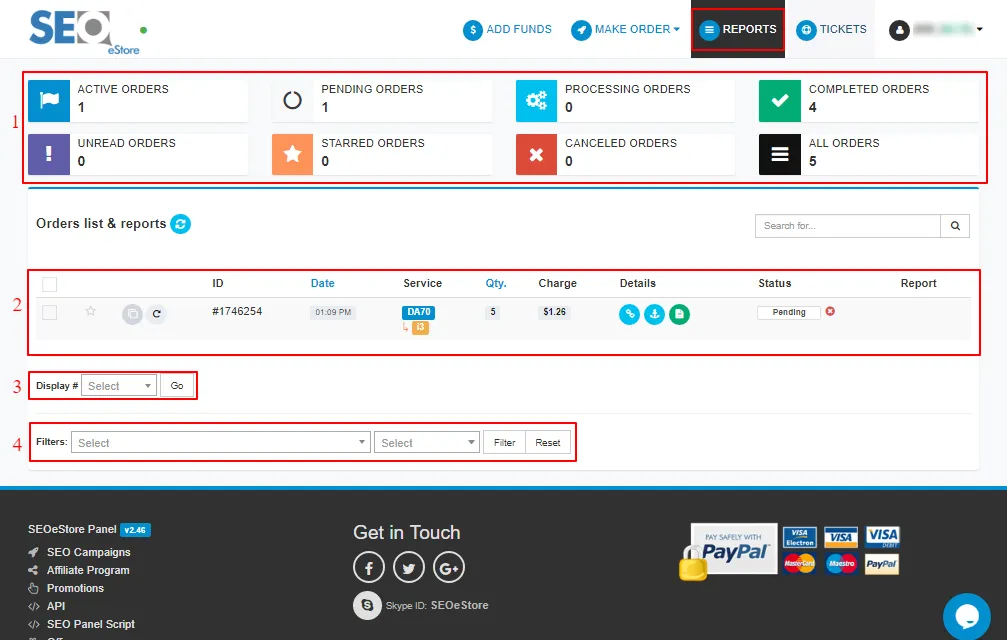
1- Orders status: show your order status and the number of each one
Active orders: the orders you submitted and are not completed or you don't download the report yet
Pending orders: the orders you submitted and are not received
Processing orders: the orders are in processing
Completed orders: the orders after finishing process and once you open it you can download your report from this page
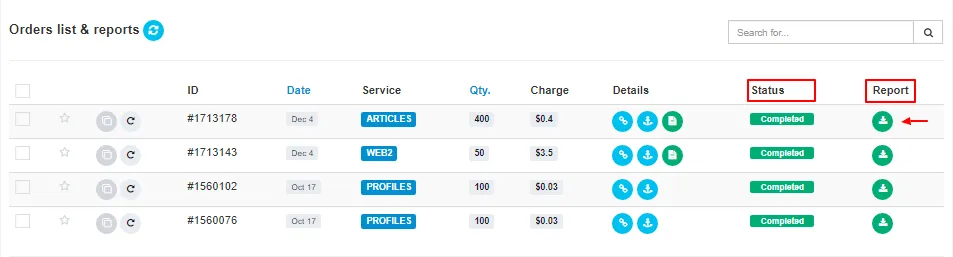
Unread orders: the completed orders you don't check
Starred orders: show the orders you starred
Canceled orders: show canceled orders by you or by the team.
Note: you can cancel the order only when it still pending and refund your balance to your account
All orders: show all orders you submitted and their status.
you can check each status and its orders by clicking on it.
2- Orders list & Reports: show orders details and its status and the report if the order is completed
3- Display: to control the number of shown orders
4- Filters: you can filter the orders by the service and status